

From 1st November 2026 the EU customs charge on parcels from Norway is 5 EUR — a 3 EUR Customs Duty plus a 2 EUR...
Latest posts
-
 Changes in EU customs rules from 1st July and 1st November 2026Read more
 -
 Transition to 15-minute pricing in the European electricity marketRead more
A significant change is due to be implemented in 2025 in the European electricity market: Prices will be set per...
-
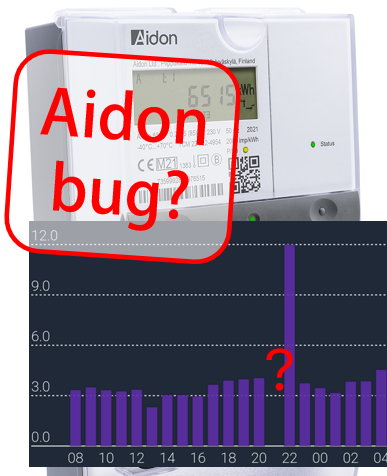 Assumed bug on Aidon meters with HAN-NVE interfaceRead more
We assume this is a bug on Aidon smart meters with HAN-NVE interface (Norway, Sweden and possibly Finland).
-
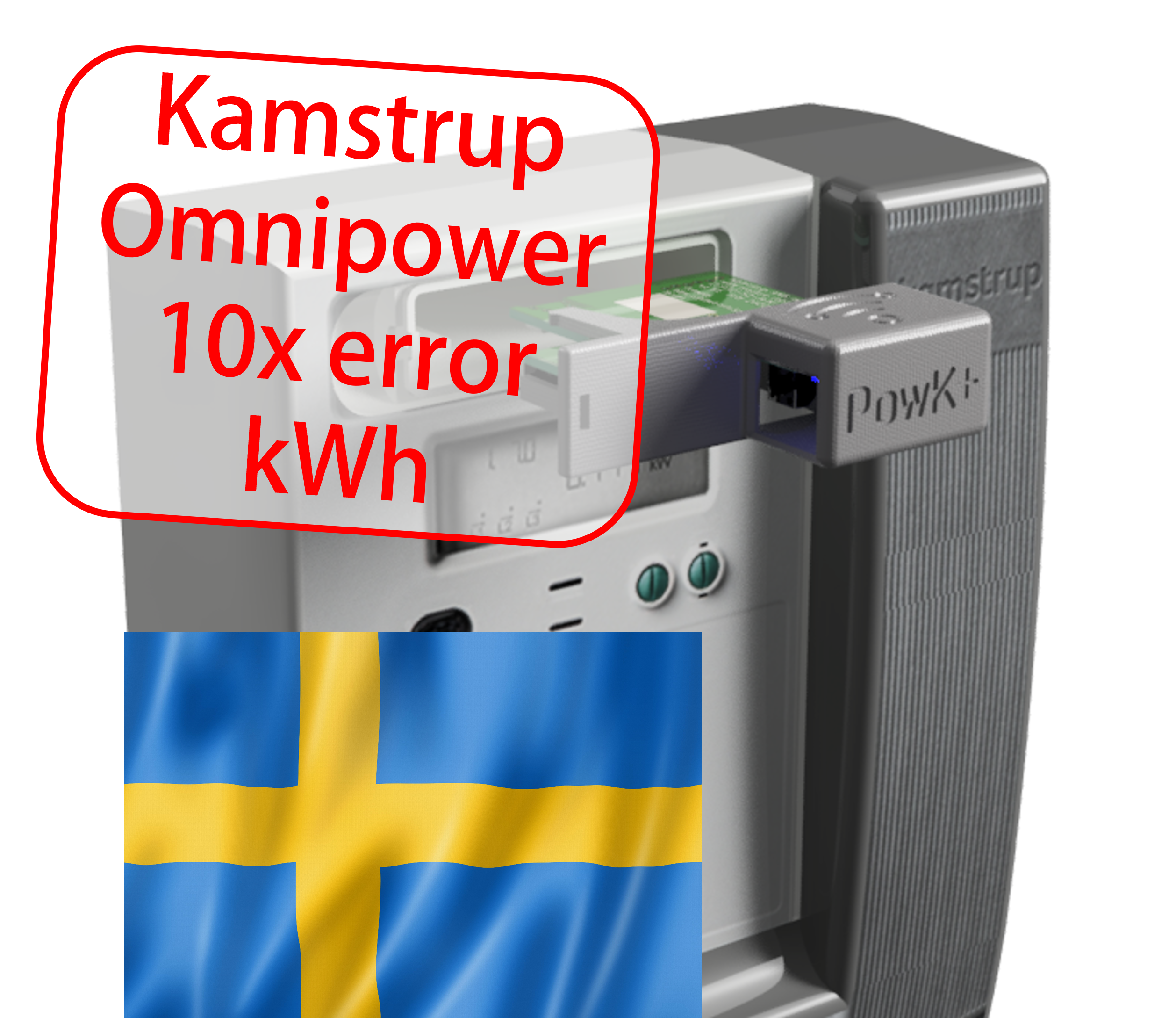 Kamstrup Omnipower scale errors on some parameters (known to happen in Sweden and Denmark)Read more
Some grid companies have increased the number of decimals on some parameters, here is how to update your device.
-
 Updating device over USB cable, simplified methodRead more
Some users experience difficulties using one of the Over-the-air (OTA) methods for firmware upgrade. We propose a...
-
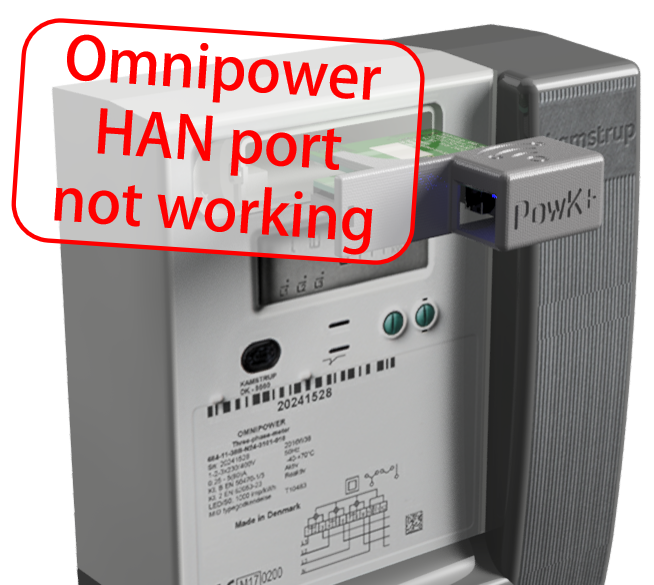 Kamstrup Omnipower HAN port not workingRead more
How to cure the Kamstrup Omnipower meter hick-up (meter stops pushing data)
-
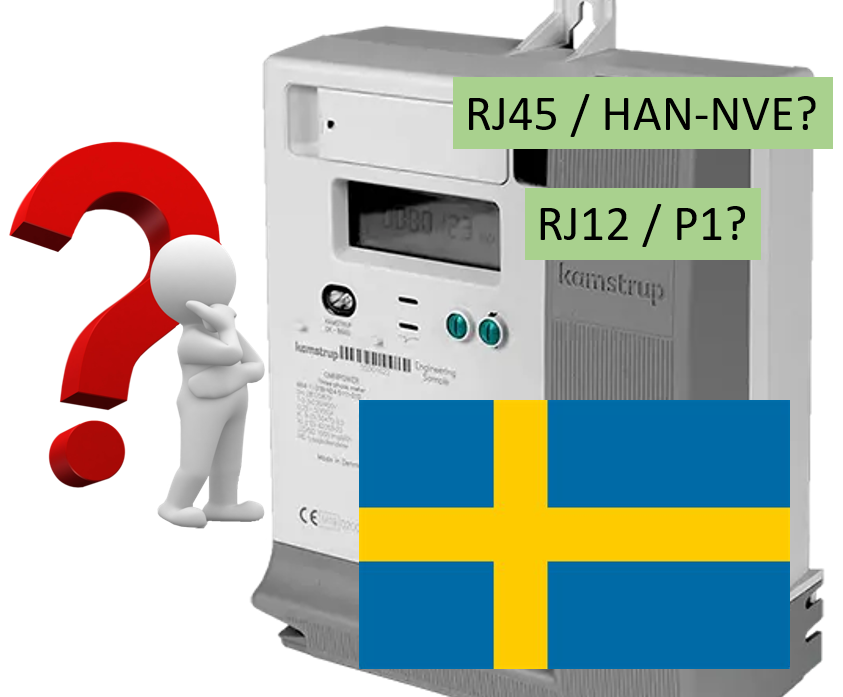 Kamstrup Omnipower meters in Sweden: Which configuration should you choose?Read more
Swedish grid companies are moving from "HAN-NVE" configuration to "P1" configuration. Some grid companies allow their...
-
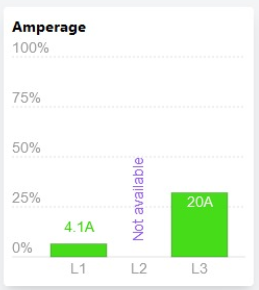 L2 current not available!?Read more
Some users have noticed that the device is no longer reporting current on phase L2.
-
 Swedish customers and PostNord as "Tullombud"Read more
Swedish customers receiving our shipments via Postnord are mislead to think they have to pay customs fee and VAT....
-
Blog categories
Search in blog

Obtaining API token from Entso-E
EDIT 2024
We have since this article was written implemented an intermediate server that performs the "heavy lifting" of reading prices from the Entso-E API. We have there also implemented some backup mechanisms in case the Entso-E API does not respond (which we have seen from time to time).
We therefore no longer recommend reading directly from the Entso-E, but in stead do the following: Activate "Enable price fetch from remote server" in the configuration but leave the next field blank. Your device will then read from our intermediate server:
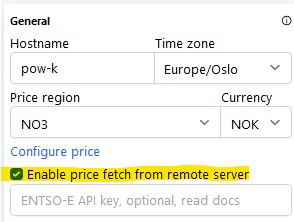
(We keep the content of the rest of this article in case anyone uses it as reference.)
(Updated 4-dec-2025 to reflect changes on Entso-E webpage.)
Pow-K+ and the newest version Pow-U equipped with ESP32 microcontroller can read and display hourly energy prices.
The data source is the non-commercial EU-financed page https://transparency.entsoe.eu/
You can register and obtain API token free of charge, and here is the procedure:
- Go to https://transparency.entsoe.eu/ and click "Sign in" in upper right corner.
- A new window opens, click on "Register" at the bottom. Fill in your email and select a password, which must be at least 14 character long and must contain at least one special character (other than letter, digit or '@').
- You'll receive an email requesting you to confirm activation. Click the link in the email, and you're logged in.
- So far so good - normal stuff.
Now you need to send them an email to request API token, that information is somewhat hidden in paragraph 2 on this page:
Send an email to transparency@entsoe.eu with “Restful API access” in the subject line. Indicate the email address you entered during registration in the email body. The ENTSO-E Helpdesk will make their best efforts to respond to your request within 3 working days. - They will normally respond next working day, I guess 3 days is to be on the safe side.
When you receive answer from them, there will be a button on your "My account settings" page. Click it to generate API token.
Voilá!
Posted in:
How to
Related posts
-
 Home Assistant med Pow-K
The Danish YouTube-channel Kenneths Teknik made an instructive video that shows how to connect a Pow-K to Home...Read more
Home Assistant med Pow-K
The Danish YouTube-channel Kenneths Teknik made an instructive video that shows how to connect a Pow-K to Home...Read more -
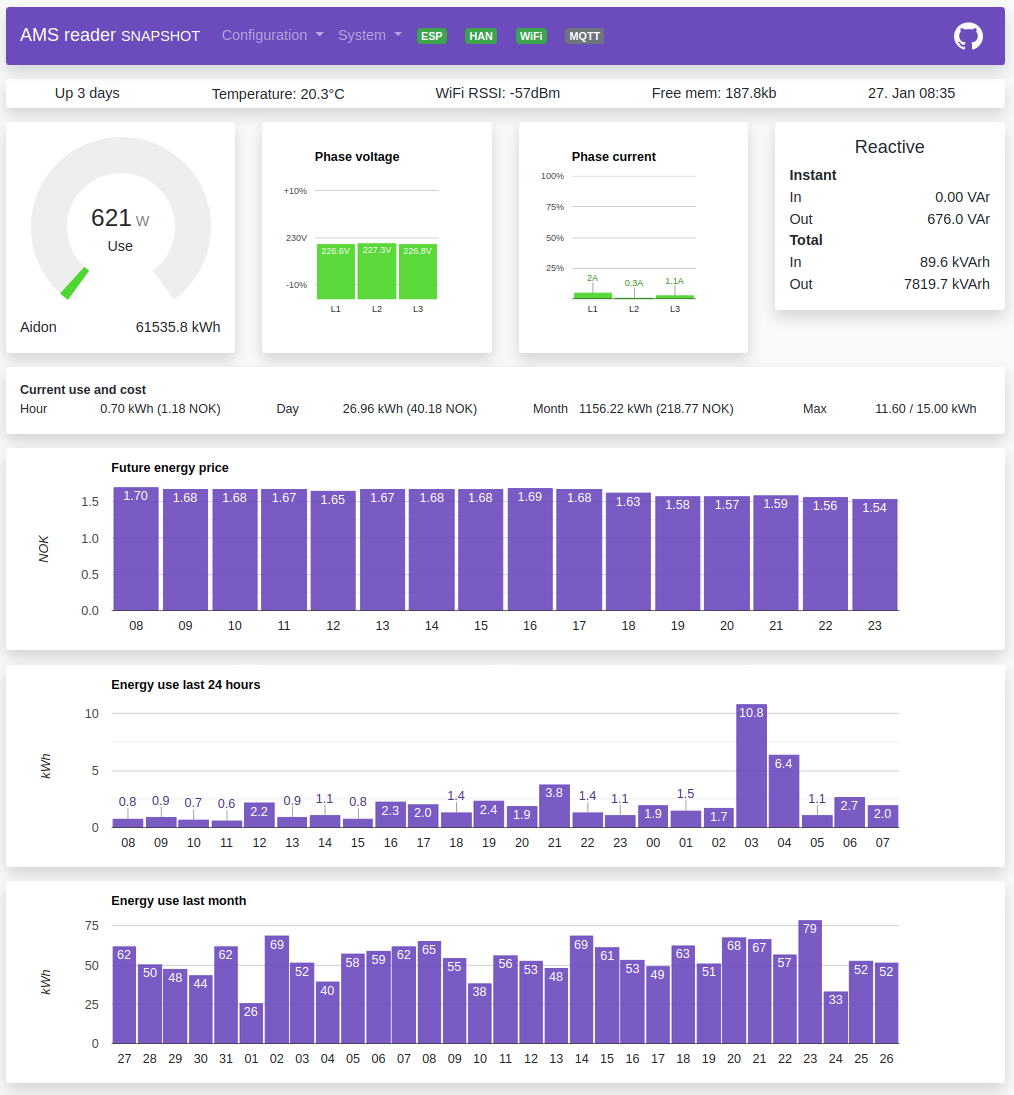 How can I read data from my Pow-K / Pow-U when I'm not at home?
Many of us do not like the idea of sending our power consumption data to some cloud service where we do not really...Read more
How can I read data from my Pow-K / Pow-U when I'm not at home?
Many of us do not like the idea of sending our power consumption data to some cloud service where we do not really...Read more -
 Video: How to install and configure your Pow-K+
This video walks you through the process of installing and configuring your new Pow-K+.Read more
Video: How to install and configure your Pow-K+
This video walks you through the process of installing and configuring your new Pow-K+.Read more -
 Homey integration
Pål Andreassen has been kind to permit us to copy this from his Wiki (Norwegian language). Information from that blog...Read more
Homey integration
Pål Andreassen has been kind to permit us to copy this from his Wiki (Norwegian language). Information from that blog...Read more -
 Danmark / encryption keys
HAN ports in Denmark are encrypted. How do you obtain the encryption keys?Read more
Danmark / encryption keys
HAN ports in Denmark are encrypted. How do you obtain the encryption keys?Read more
Leave a comment