 Cookie preferences


EU has decided to implement a 3 EUR Customs Duty fee on low-value parcels imported from outside EU. Here are the...
Latest posts
-
 Changes in EU customs rules from 1st July 2026Read more
 -
 Transition to 15-minute pricing in the European electricity marketRead more
A significant change is due to be implemented in 2025 in the European electricity market: Prices will be set per...
-
 Assumed bug on Aidon meters with HAN-NVE interfaceRead more
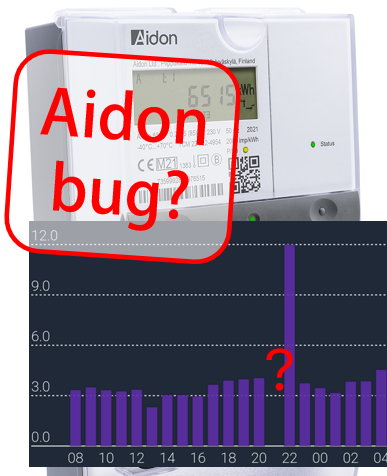
We assume this is a bug on Aidon smart meters with HAN-NVE interface (Norway, Sweden and possibly Finland).
-
 Kamstrup Omnipower scale errors on some parameters (known to happen in Sweden and Denmark)Read more
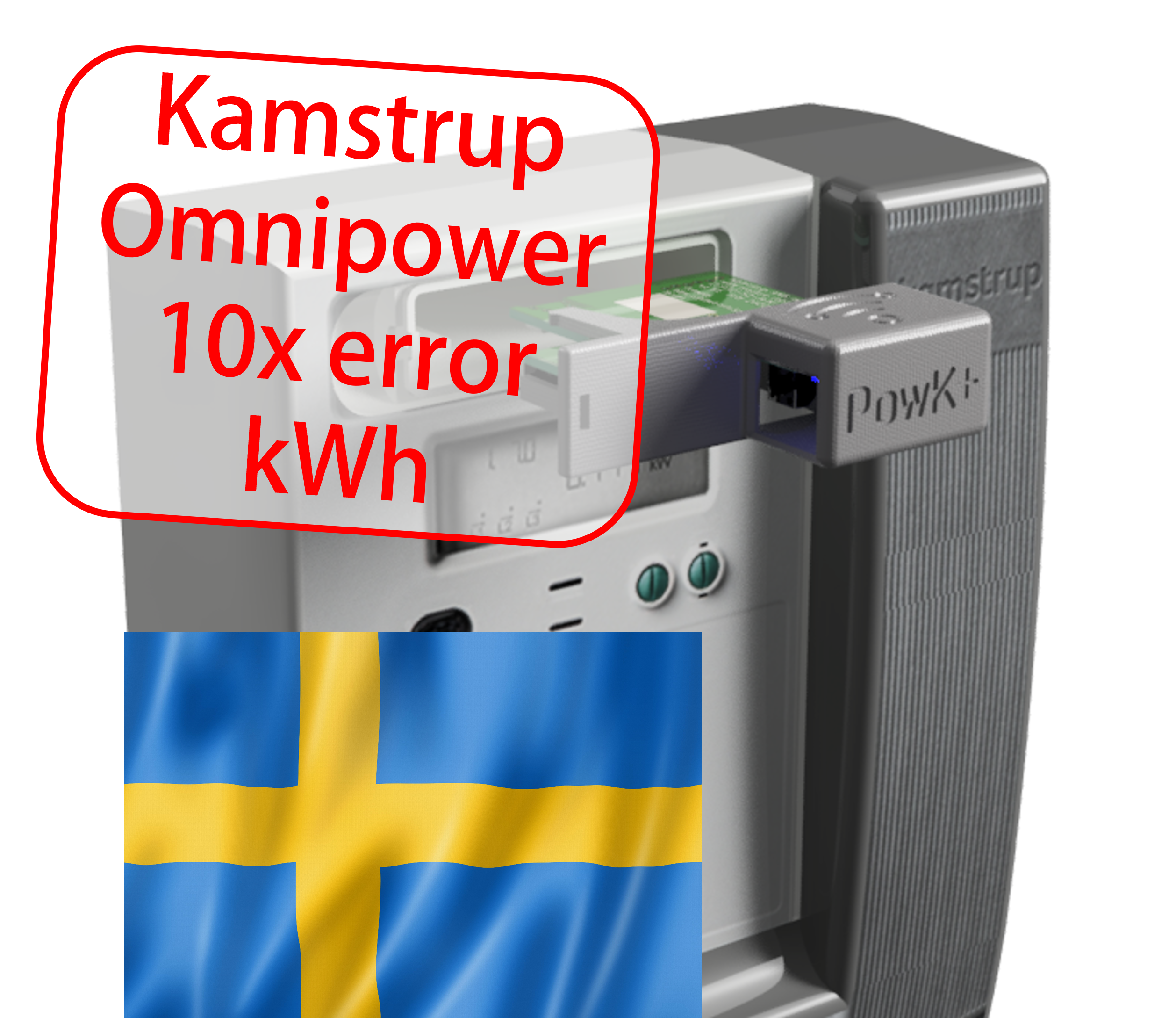
Some grid companies have increased the number of decimals on some parameters, here is how to update your device.
-
 Updating device over USB cable, simplified methodRead more
Some users experience difficulties using one of the Over-the-air (OTA) methods for firmware upgrade. We propose a...
-
 Kamstrup Omnipower HAN port not workingRead more
How to cure the Kamstrup Omnipower meter hick-up (meter stops pushing data)
-
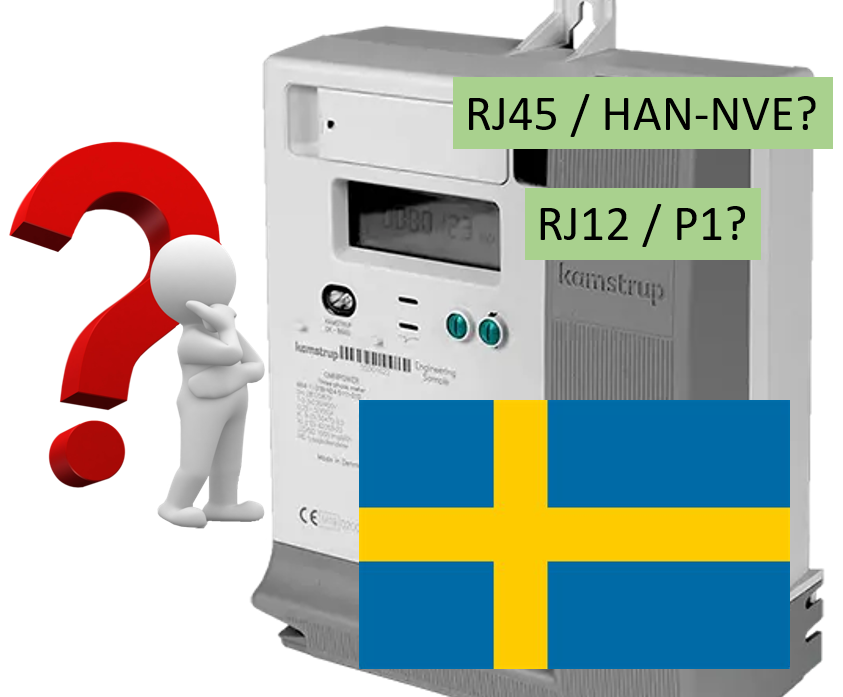 Kamstrup Omnipower meters in Sweden: Which configuration should you choose?Read more
Swedish grid companies are moving from "HAN-NVE" configuration to "P1" configuration. Some grid companies allow their...
-
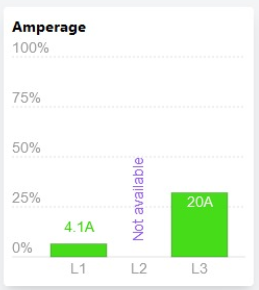 L2 current not available!?Read more
Some users have noticed that the device is no longer reporting current on phase L2.
-
 Swedish customers and PostNord as "Tullombud"Read more
Swedish customers receiving our shipments via Postnord are mislead to think they have to pay customs fee and VAT....
-
 One-click upgrade is not workingRead more
One-click firmware upgrade works just fine for most users - but what to do if it fails?
Blog categories
Search in blog
Archived posts
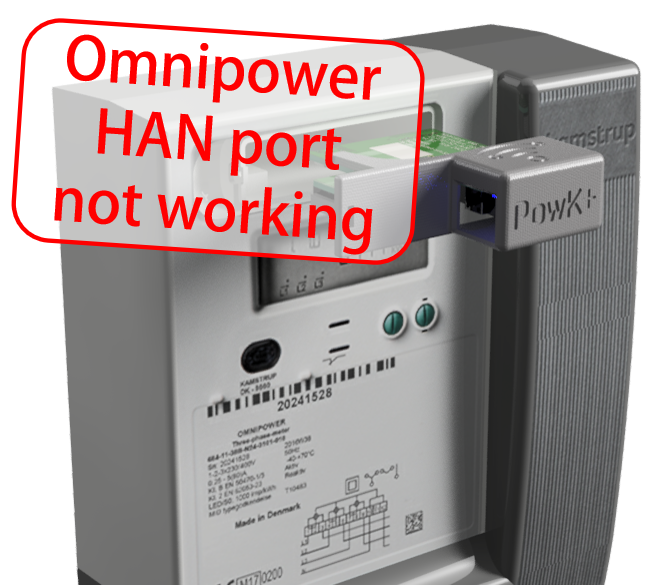
Kamstrup Omnipower HAN port not working
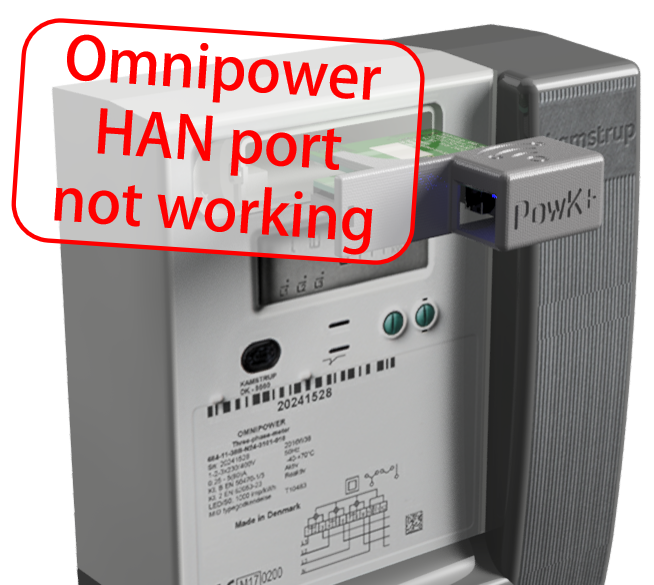
The Kamstrup Omnipower meter is a very popular smart meters, installed in millions of sites in a number of countries.
However, its HAN port seems to have a flaw that some of us have been unfortunate to experience: After having delivered data to the HAN port every 10 seconds for months or years, the port suddenly stops sending data. It continues delivering voltage and power to attached equipment, there is just no data.
If this happens to you and your installation has the main breaker on the "street side" of the Omnipower meter you can consider yourself lucky: Just cut power from the meter by opening the main breaker, wait a few seconds, then close the breaker again. Problem solved!
In some countries (for instance Denmark) the main breaker is typically situated on the other side of the meter, so there is no way to cut its power. This is a more tricky situation.
This is what we have found after having investigated the issue:
If you are in Denmark and Radius is your grid company (Copenhagen and surrounding region), it is relatively easy to fix this:
- Go to and fill out this web form: https://radiuselnet.dk/elnetkunder/krypteringsnoegle-til-elmaaler/bestil-de-to-noegler-til-dlms-cosem/
- In the comment field, indicate that you request a restart of the HAN port.
- You should receive an email from Radius requesting you to remove you reader from the meter and not re-insert it until you get a message confirming the port has been restarted
Note: There might be other grid companies that have outsourced the Omnipower meter management to Kamstrup. If you have this issue, contact your grid company and ask if they are able to request Kamstrup to do a remote restart of your meter.
So, what is the solution if the grid company says they cannot reset the HAN port?
In that case, we recommend you to insist that they find a solution. The grid company owns the power meter, it stopped working - and it is not your fault. The grid company should send you (with no cost for you) an electrician/technician that can either disconnect/reconnect your power meter - or reboot it via the optical port of the meter. If they claim that it is the connected equipment that caused the disruption, you can tell them that the HAN port is still delivering power (which is confirmed if your Pow-K is still working, just not receiving data), so it is not an overload shutdown.
Related posts
-
 How do I fix a bricked device?
If you by a mistake uploaded over Wifi a wrong firmware (intended for an other microprocessor), the device will not...Read more
How do I fix a bricked device?
If you by a mistake uploaded over Wifi a wrong firmware (intended for an other microprocessor), the device will not...Read more -
 Home Assistant med Pow-K
The Danish YouTube-channel Kenneths Teknik made an instructive video that shows how to connect a Pow-K to Home...Read more
Home Assistant med Pow-K
The Danish YouTube-channel Kenneths Teknik made an instructive video that shows how to connect a Pow-K to Home...Read more -
 Can Pow-U and Pow-K show energy produced from solar panels or wind turbines?
Especially solar panel installations are starting to become common, so we want to monitor power and energy from them!Read more
Can Pow-U and Pow-K show energy produced from solar panels or wind turbines?
Especially solar panel installations are starting to become common, so we want to monitor power and energy from them!Read more -
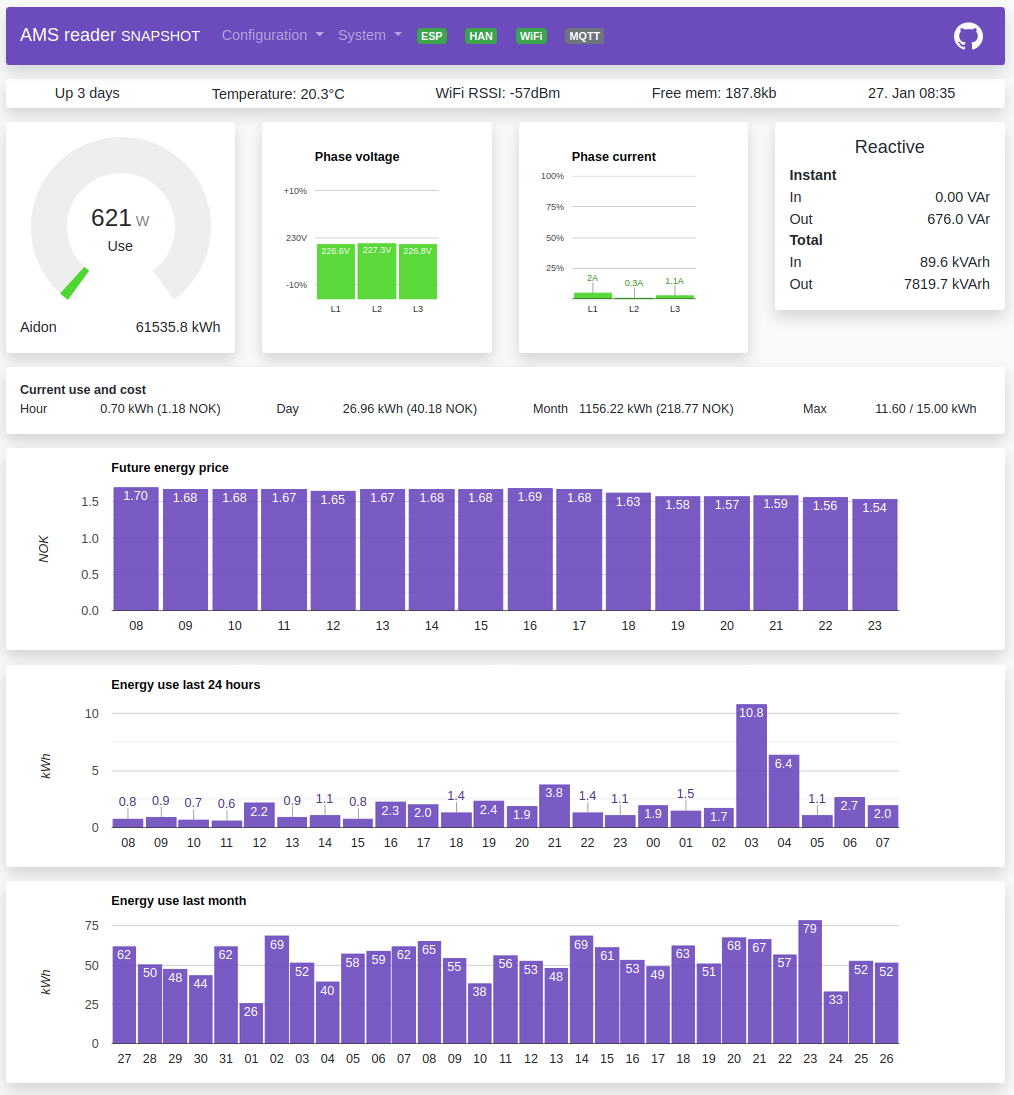 How can I read data from my Pow-K / Pow-U when I'm not at home?
Many of us do not like the idea of sending our power consumption data to some cloud service where we do not really...Read more
How can I read data from my Pow-K / Pow-U when I'm not at home?
Many of us do not like the idea of sending our power consumption data to some cloud service where we do not really...Read more -
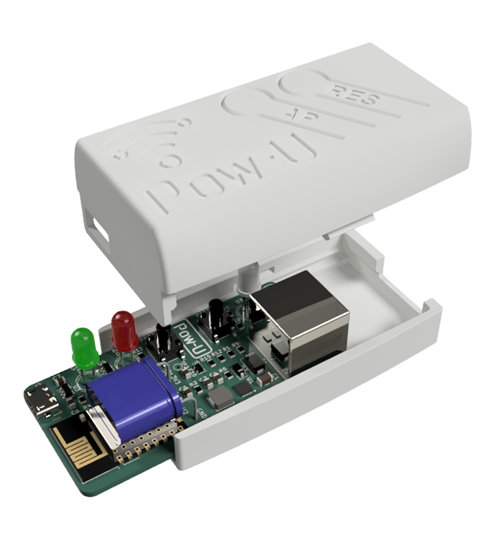 Pow-U: Can the external power be connected while Pow-U is connected to the meter?
In some use situations, the Pow-U will have difficulties maintaining its voltage level and will reset frequently (see...Read more
Pow-U: Can the external power be connected while Pow-U is connected to the meter?
In some use situations, the Pow-U will have difficulties maintaining its voltage level and will reset frequently (see...Read more
Leave a comment
Comments
Kamstrup Omnipower HAN port not working
By: Dr Aitchbar On 22-Aug-2026Had the same, probably, suddenly out of the blue, the reader was not connecting to the HAN port. After reading this post, I reached out to the grid company (radius in DK) and asked them to reboot the meter. The responded within a day and data is now flowing again into the reader.
Thanks for sharing this post. Much appreciated.
buffer 512 or 256
By: Preben Madsen On 08-Apr-2026Hi mine failed after i was in and edited the MQTT settings, here it was req. to change the buffer from 512 to 256 since then it has not receiving anything. I have contacted my friend there bought one as well. and here it is running fine 512.
Replied by: Egil Opsahl On 09-Apr-2026
Issue remains after meter disconnect
By: Christian On 25-Mar-2026My issue remains after I today got my installation upgraded (same meter but everything else in the installation box replaced, so the meter was physically disconnected for an hour). Does it still make sense to contact Radius (DK) or should the physical disconnection have fixed it?
I get a valid HAN message once in a while (up o maybe 10 min apart), but most are unknown.
This might not be the best place for debugging it (where should I ask this?)
My debug output via telnet shows this kind of thing:
(W) Used 1198ms to read HAN port (true)
(E) Ended up in default case while unwrapping...(tag 96)
(W) Unknown data received
(W) Used 1054ms to read HAN port (true)
(W) No HAN data received last 30s, single blink
(I) (PriceService) Price point reset
(W) No HAN data received last 30s, single blink
(W) No HAN data received last 30s, single blink
(W) Boundary flag missing
(W) Used 1166ms to read HAN port (true)
(E) Ended up in default case while unwrapping...(tag 4A)
(W) Unknown data received
Replied by: Egil Opsahl On 30-Mar-2026
Got the problem in SE
By: Thomas F On 07-Jan-2026FYI I also had this issue. Suddenly the Kamstrup meter just stopped reporting data.
I tried by unplugging the board over the night, but nothing happened.
So I had to cut the power on the main switch and after that it worked again as expected.
Is there an event from the AMS Reader when the HAN-port is dead?
I didn't check daily so I didn't noticed this for a while, but I guess that I just could have an automation in Home Assistant that notifies me when data is not received any more, but an error event from the board (MQTT) indicating what kind of problem would be nice (e.g. "No HAN data received").
Thanks for a nice product!
Cheers,
Thomas
Alternative HAN reset for DK
By: Høgni Z On 24-Jul-2025I had the problem with AMS Reader not recieving data from Kamstrup HAN port.
Then there was a power outtage, and the entire area went dark.
When power came back the HAN port was reset... Problem solved.
Replied by: Egil Opsahl On 28-Jul-2025